
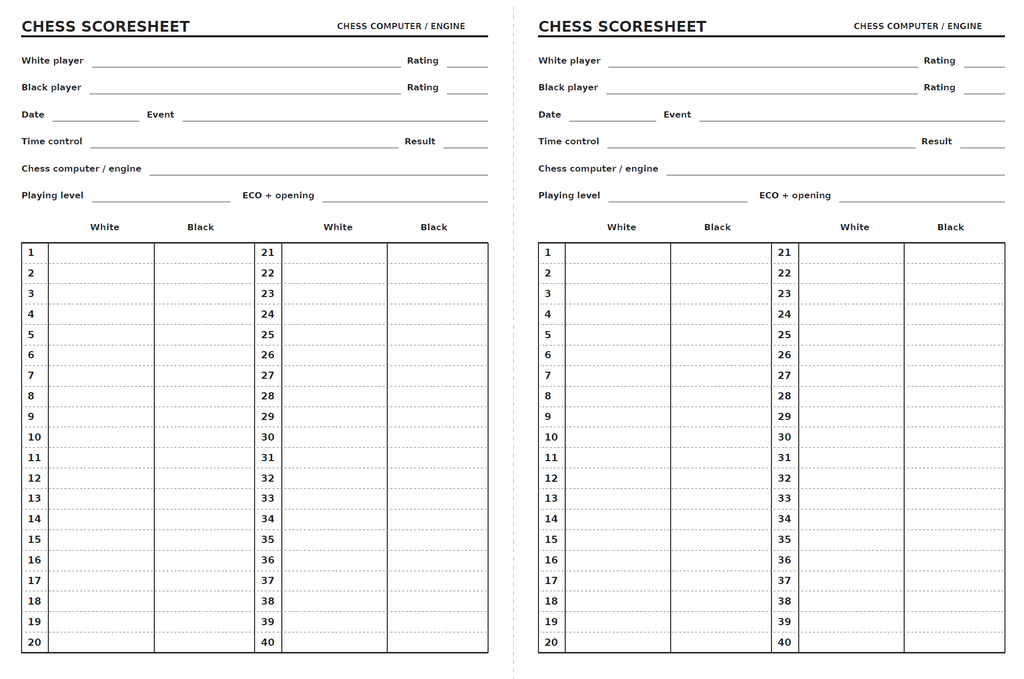
The chess scoresheet is designed to be printed on an A4 sheet in landscape orientation. Each sheet contains two identical scoresheets that can be cut in half to create two A5 scoresheets.
Each completed scoresheet provides space for 80 moves, with moves 1–40 on the front and moves 41–80, along with a notes section, on the back.
Please note: I have not been able to test Option 1, as I do not own a printer that supports automatic double-sided printing.
Option 1 – Printer with Automatic Double-Sided Printing
- Open the PDF file and select Print.
- Select A4 as the paper size and Landscape as the orientation.
- Enable Double-sided printing (duplex printing).
- Select Flip on short edge.
- Select Actual size (100%), without scaling.
- Print both pages.
Option 2 – Printer without Automatic Double-Sided Printing
- Open the PDF file and select Print.
- Select A4 as the paper size, Landscape as the orientation, and Actual size (100%).
- Select Page 1 only and print it.
- Take the printed sheet and place it back into the printer’s paper tray so that Page 2 will be printed on the reverse side.
- Select Page 2 only and print it.
- Check that the front and back are correctly aligned and oriented.
Important: The correct way to flip and reinsert the paper varies depending on the printer model. I recommend making a test print first. Mark one corner of a test sheet to help determine how your printer feeds and prints the paper.
Cutting the Sheets to A5 Size
Once both sides have been printed, cut the A4 sheet in half.
You will now have two separate, double-sided A5 chess scoresheets, ready to use.
Tip: Always check your first print before printing multiple copies.